How to Save a Frame from an Instagram Reel
You can save a frame from an Instagram Reel by pausing the video at the exact moment you want and taking a screenshot, or for a cleaner result, by copying the Reel's link into an online frame grabber that pulls the image directly from the video itself.
Both methods work, but they produce noticeably different quality results, and this guide covers both in detail, along with what to do if the Reel you want to save is from a private account or doesn't have a shareable link visible.
Does Instagram notify people when you screenshot a Reel?
For standard Reels public or from an account you follow Instagram does not send a notification when you take a screenshot or screen recording. Notifications are limited to a narrower set of features, mainly disappearing photos or videos sent directly in Instagram DMs. Saving a frame from a regular Reel in your feed or on someone's profile is not something the creator is told about.
Screenshot the Reel directly
- Does Instagram notify people when you screenshot a Reel?
- Screenshot the Reel directly
- Use a frame grabber for a cleaner result
- What if the Reel is from a private account?
- Cropping out Instagram's interface after a screenshot
- Saving the entire Reel instead of one frame
- Getting the best possible quality from your saved frame
- Being thoughtful about reusing someone else's Reel
- Conclusion
- FAQ
This is the fastest method and works on any phone.
- Open the Reel and let it play until you're close to the moment you want.
- Tap the screen once to pause playback at that point.
- Take your device's screenshot:
- iPhone: press the side button and volume up button together
- Android: press the power button and volume down button together (the exact combination can vary slightly by brand)
- Your screenshot saves to your phone's photo gallery automatically.
- How to Extract High-Quality Frames from 4K YouTube Videos
- Frame Rate Explained: 24fps vs 30fps vs 60fps
- How to Make a GIF from a Video Clip for Free
Use a frame grabber for a cleaner result
A screenshot captures Instagram's entire interface the caption, like button, audio name, and profile picture layered over the video. If you want just the video content at better quality:
- Open the Reel and tap the three-dot menu, then choose Copy Link (or use the paper airplane Share icon, then Copy Link, depending on your Instagram version).
- Paste the link into an online frame grabber tool.
- Scrub to your chosen moment using the tool's timeline or timestamp field.
- Capture and download the frame.
This approach extracts the frame from the actual video stream rather than a photo of your screen, which typically produces a sharper result and skips the need to crop out Instagram's interface afterward.
What if the Reel is from a private account?
If the Reel is posted by a private account you follow, the copy-link method may not work the same way, since private content generally isn't accessible outside the app to an external tool. In this case, a screenshot or in-app screen recording is the more reliable option, since it works entirely within the app itself rather than relying on an external link.
Cropping out Instagram's interface after a screenshot
If you went with the screenshot method, cleaning up the image afterward is straightforward:
- Open the screenshot in your phone's built-in photo editor.
- Use the crop tool to trim out the caption at the bottom, the icons on the right side, and the top status bar.
- Save the cropped version, keeping the original if you want the caption and audio info for reference later.
Saving the entire Reel instead of one frame
If you want to keep the whole Reel rather than a single frame:
Recommended Articles
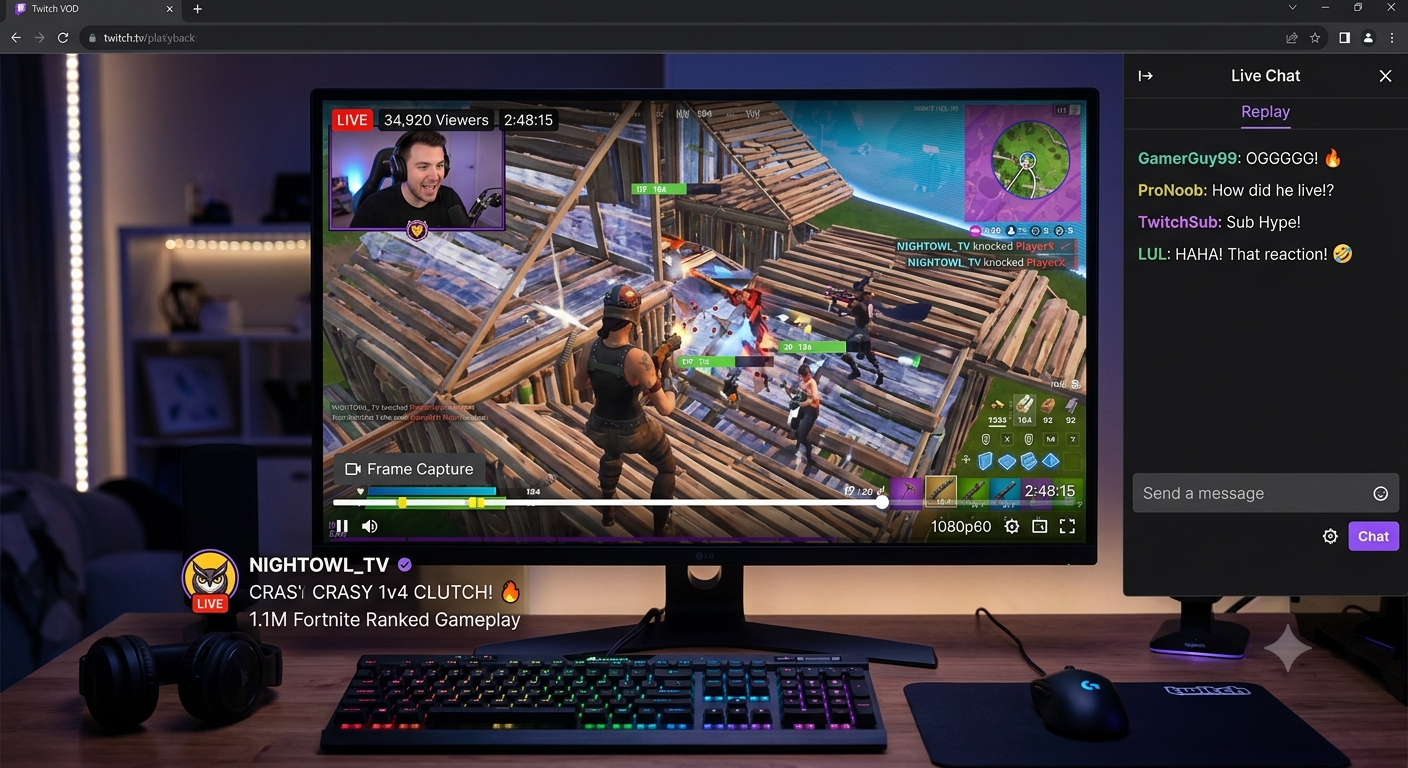 SOCIAL MEDIA FRAME CAPTURE
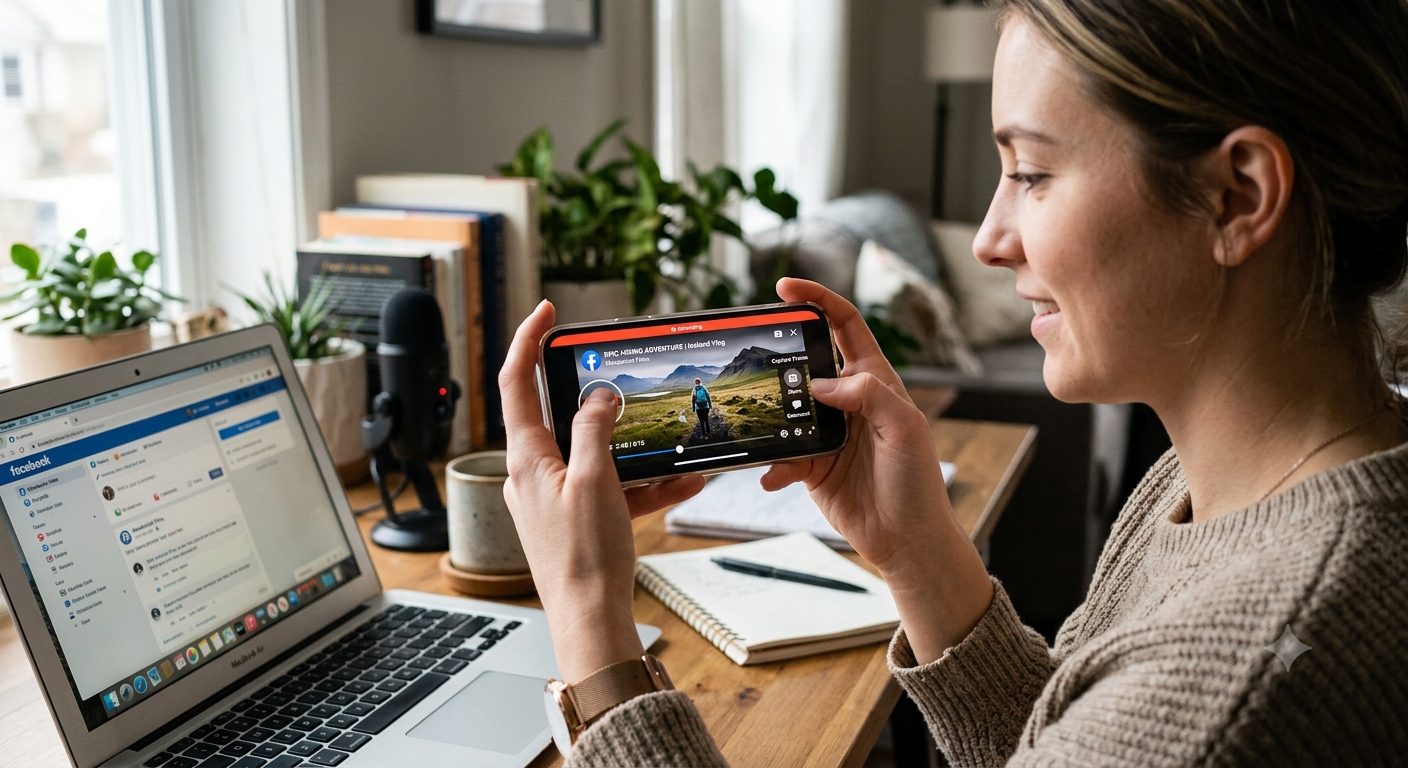 SOCIAL MEDIA FRAME CAPTURE
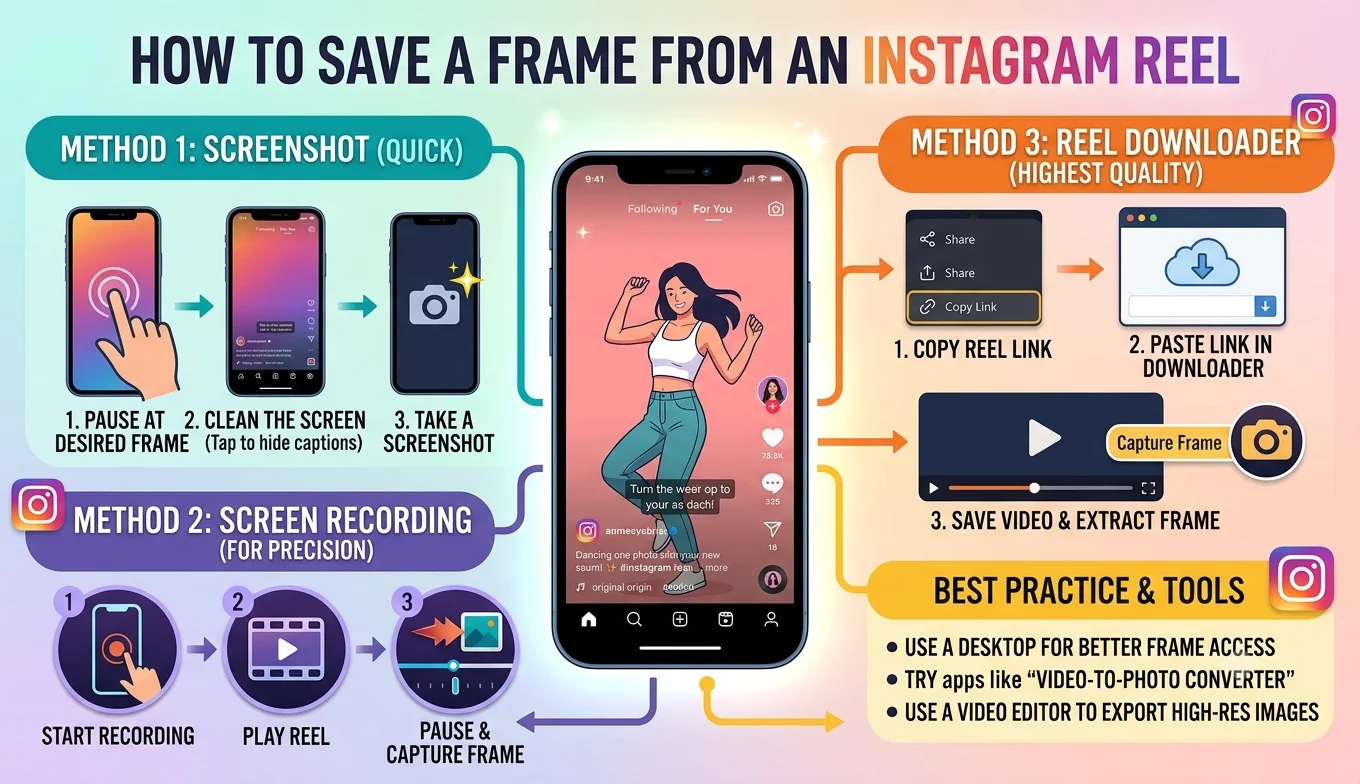 SOCIAL MEDIA FRAME CAPTURE
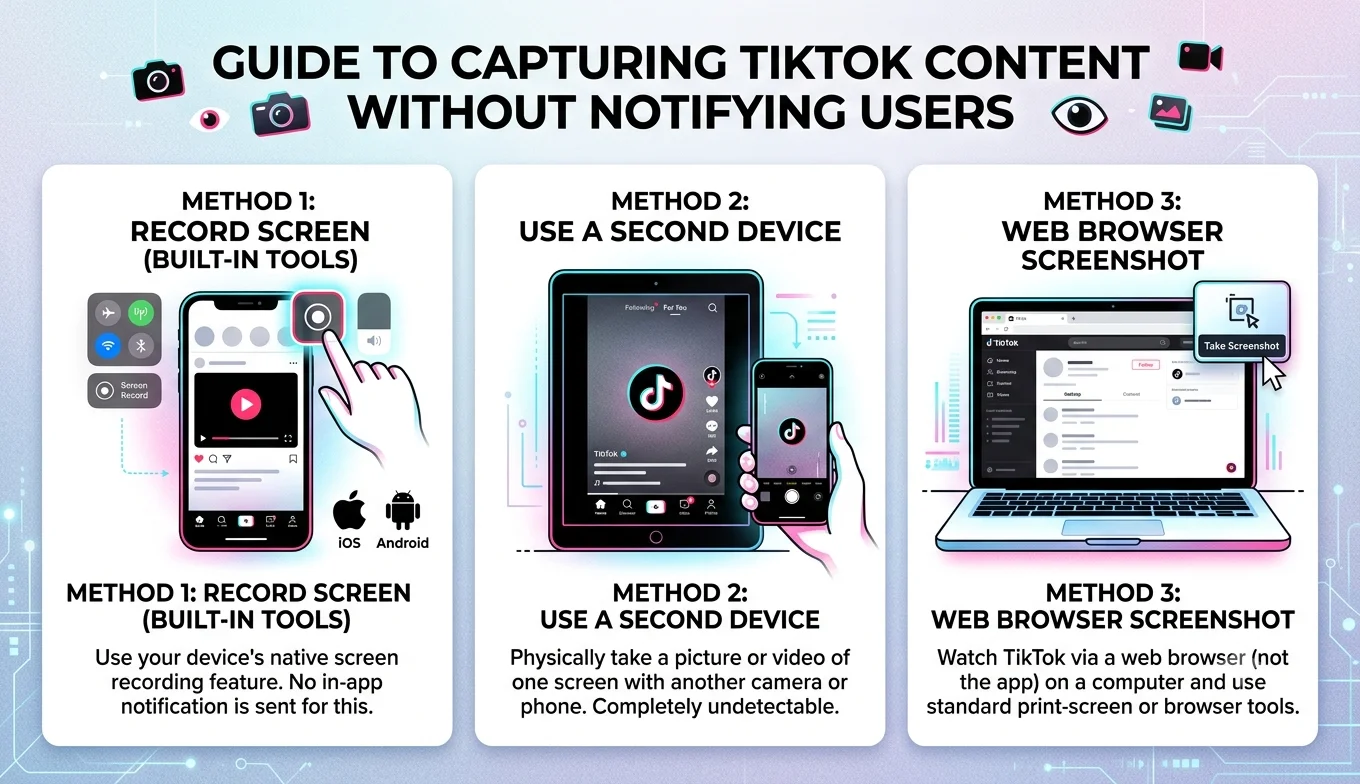 SOCIAL MEDIA FRAME CAPTURE
- Tap the paper airplane Share icon, then look for a Save or Download option, which is available when the creator has allowed downloads.
- If no download option appears, the creator has disabled it for that Reel, and this is a setting Instagram gives creators control over working around it isn't something this guide covers.
Getting the best possible quality from your saved frame
Watch at full quality first. Instagram sometimes serves a lower-quality version of a video depending on your connection, similar to other video platforms a strong Wi-Fi connection while capturing generally helps quality.
Avoid fast-motion moments. Just like any video, a frame captured during quick movement will show motion blur baked into the original recording pick a moment where the subject is relatively still for the cleanest result.
Use PNG if you plan to edit further. If your frame grabber tool offers a choice, PNG avoids the extra compression that JPG introduces, which matters more if you're planning additional edits afterward.
Being thoughtful about reusing someone else's Reel
Saving a frame for personal use to remember a moment, share with a friend, or use as a quick reference — is common and generally not an issue. It's worth being more careful in a couple of situations:
- Reposting elsewhere. If you plan to share the frame on another platform, crediting the original creator is good etiquette and, on some platforms, a requirement.
- Commercial use. Using someone else's Reel content in an ad, product, or paid project without permission raises real copyright considerations, separate from personal, non-commercial saving.
Conclusion
Saving a frame from an Instagram Reel is quick either way you choose to do it a simple screenshot works fine for personal use, while a frame grabber tool gives you a cleaner result without Instagram's interface cluttering the image. Instagram doesn't notify creators about screenshots of regular Reels, so there's no need to worry about that for everyday use; just be thoughtful if you plan to repost or use someone else's content beyond personal reference.
FAQ
Does Instagram tell someone if I screenshot their Reel?
No, for standard public or followed-account Reels, Instagram does not send any screenshot notification. That feature is limited to disappearing photos and videos sent through direct messages.
Can I get a frame from a Reel without any interface elements in it?
Yes copying the Reel's link into an online frame grabber captures just the video content, without the caption, icons, or profile picture that a screenshot would include.
Why is my saved frame lower quality than the Reel looked in the app?
This is often connection-related Instagram can serve a lower-quality stream on a weaker connection. Try capturing on a strong Wi-Fi connection for the best available quality.
Can I save a frame from someone's Instagram Story instead of a Reel?
The same basic screenshot method works for Stories, though Stories disappear after 24 hours, so there's a limited window to capture what you need, and Instagram may treat screenshot notifications for Stories differently depending on the feature and account settings.
Is it legal to save and repost someone else's Reel frame?
For personal use, saving is broadly fine. Reposting elsewhere or using it commercially without the creator's permission can raise copyright concerns, so crediting the original creator or getting permission is the safer path.