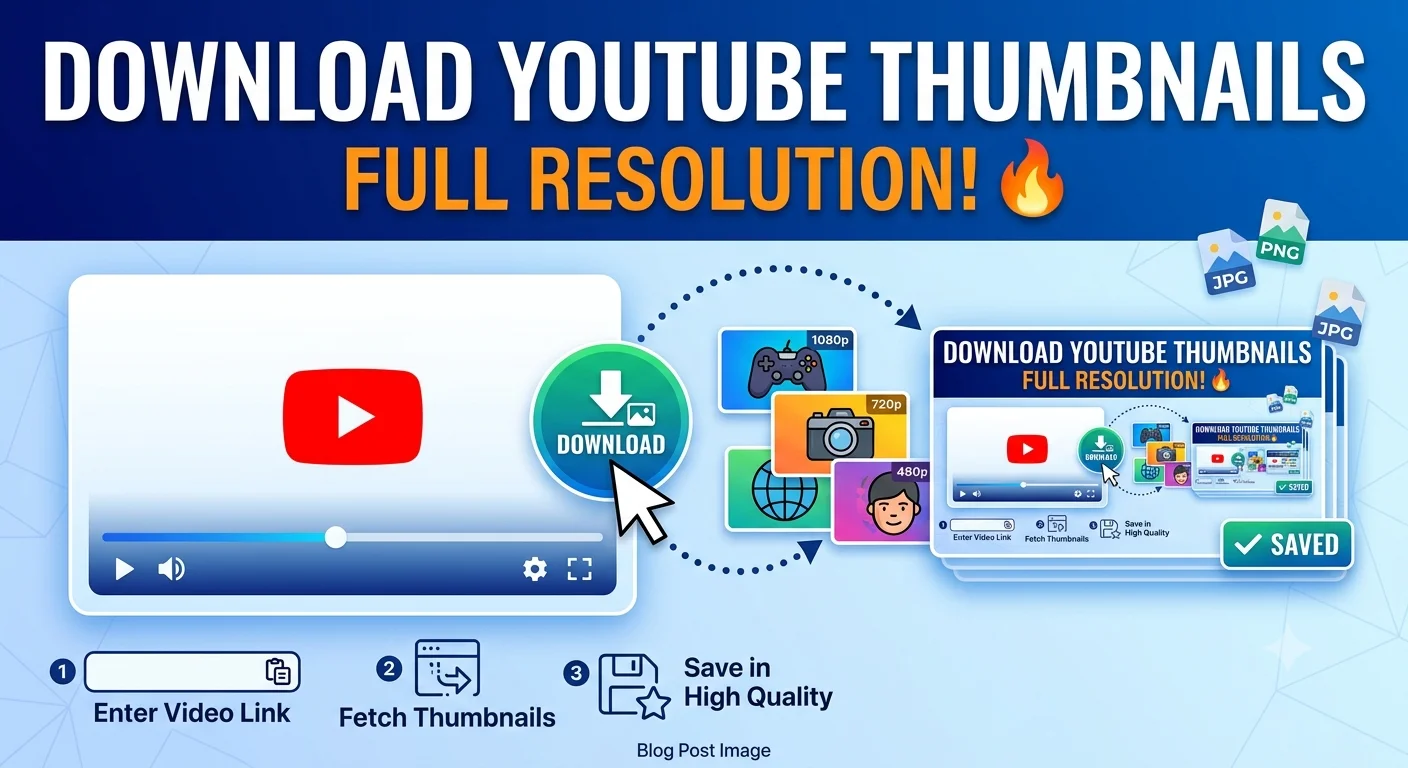
How to Download a YouTube Thumbnail in Full Resolution
You can download any YouTube video's thumbnail in full resolution by accessing the thumbnail image directly through its predictable file naming pattern, without needing any special software.
Every YouTube video automatically generates several thumbnail image sizes when it's uploaded, and the highest-resolution version is often larger and sharper than what you actually see displayed on the site itself. This guide walks through how to get the best available version, plus what to do if a video only has a lower-resolution thumbnail available.
Why thumbnail downloads matter
Thumbnails are useful to save for more than just curiosity content creators reference competitor thumbnails for design inspiration, researchers and journalists cite video content, and viewers sometimes want to save a striking image for personal use. Whatever the reason, getting the actual full-resolution version rather than a compressed, small preview makes a real difference in usability.
Understanding YouTube's thumbnail sizes
YouTube automatically generates multiple thumbnail resolutions for every uploaded video, ranging from a small preview size up to a large, high-definition version. The exact resolution of the largest available thumbnail can vary depending on the video, since it's tied to the resolution of the source video itself and which thumbnail the creator selected.
Not every video has a maximum-resolution thumbnail available if the original uploaded video was lower resolution, or if the creator picked a custom thumbnail image that wasn't uploaded at full size, the largest available version may be smaller than you'd expect.
- How to Extract a Frame for a YouTube Thumbnail
- How to Capture Video Frames Using Windows Photos App
- How to Save a Frame from an Instagram Reel
Using a thumbnail downloader tool
The simplest approach for most people is a free online thumbnail downloader:
- Copy the URL of the YouTube video.
- Paste it into a thumbnail downloader tool.
- The tool will typically display all the available resolution options for that video's thumbnail.
- Select the highest resolution offered and download it directly.
These tools handle the technical lookup automatically, checking which resolution versions actually exist for that specific video, so you don't need to guess or manually test different sizes.
Extracting a frame instead of the official thumbnail
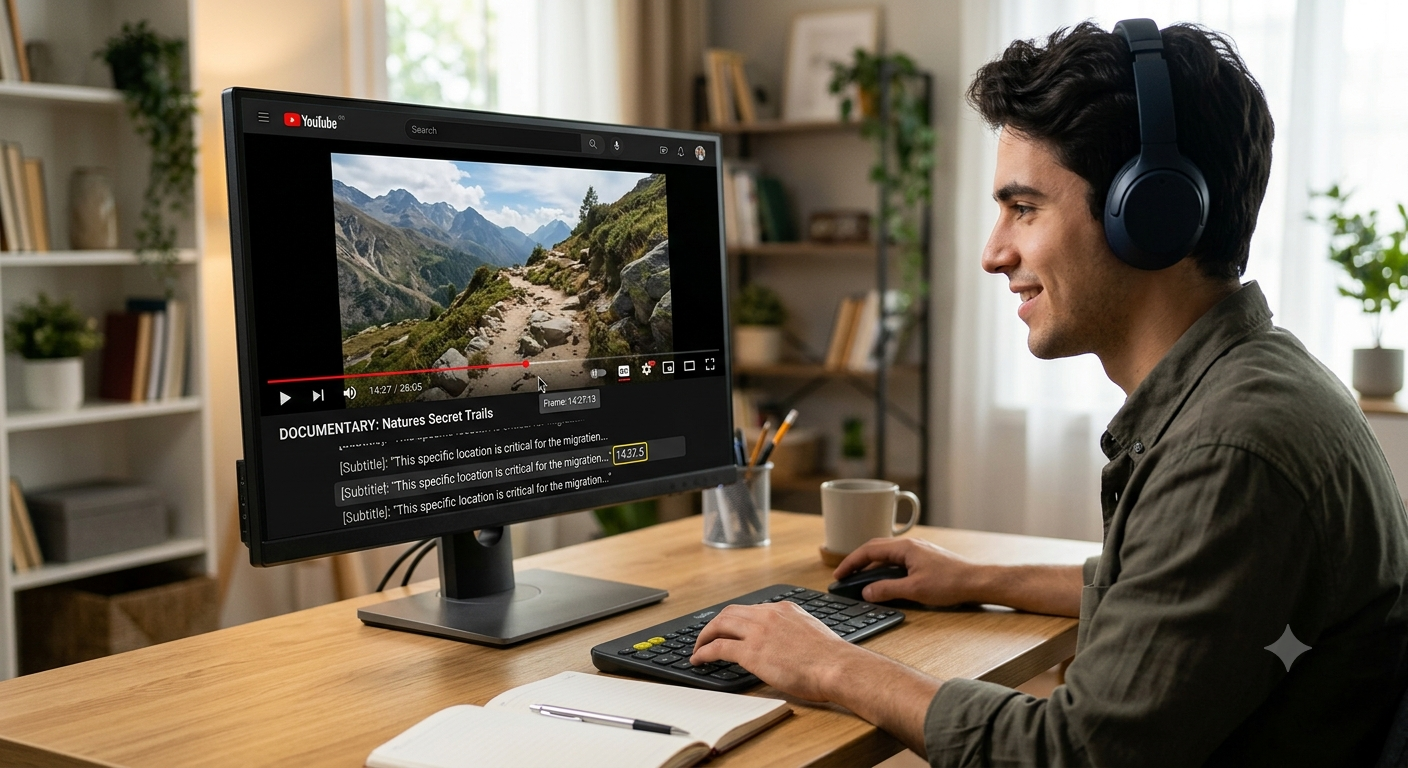
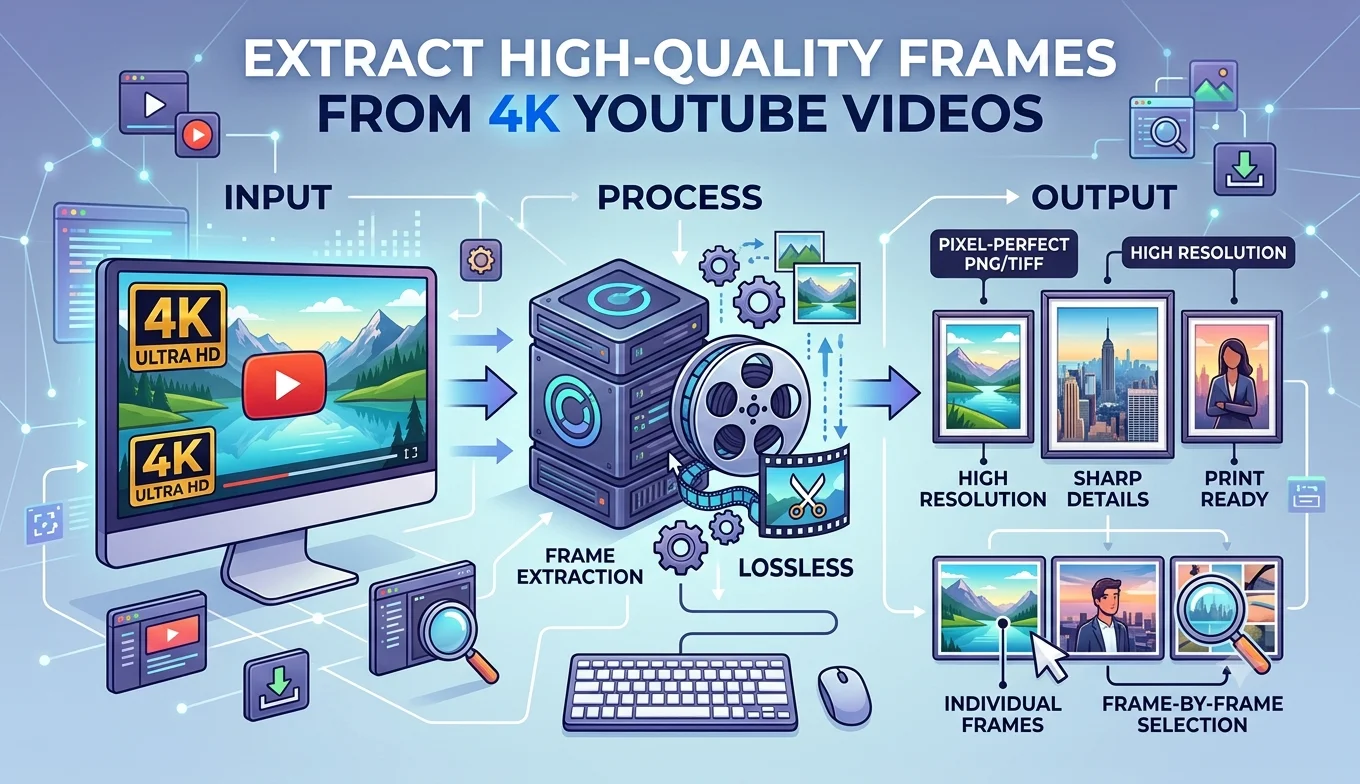
Keep in mind that a video's "thumbnail" and a frame from the video itself are not always the same thing. Many creators upload a custom thumbnail image that isn't taken directly from the video content, sometimes with added text, graphics, or a completely different image. If you specifically want a frame from the video itself, rather than the creator's custom thumbnail design, you'll want to use a frame grabber instead:
- Copy the video's URL and paste it into an online frame grabber.
- Scrub to a moment in the video and capture that frame directly.
This gives you actual video content rather than whatever separate image the creator may have designed and uploaded as the thumbnail.
What to do if only a low-resolution thumbnail is available
Sometimes the largest available thumbnail for a video is still smaller than you'd like. A few things affect this:
- Older videos uploaded before certain thumbnail resolution standards were introduced may only have smaller versions available.
- Lower-resolution source videos limit how large a thumbnail YouTube can generate, since it's often derived from the video itself.
- Custom thumbnails uploaded by the creator are limited by whatever resolution the creator originally uploaded, which isn't always the maximum YouTube supports.
In these cases, there generally isn't a way to get a genuinely higher-resolution version than what YouTube already has stored, since a thumbnail downloader tool can only retrieve what actually exists, not generate new detail that isn't there.
Recommended Articles
 YOUTUBE FRAME GRABBING
 YOUTUBE FRAME GRABBING
 YOUTUBE FRAME GRABBING
- How to Save a Frame from an Instagram Reel
- How to Capture Video Frames Using Windows Photos App
- Best Free vs Paid Frame Grabber Tools Compared
Using downloaded thumbnails responsibly
Thumbnail images, like the videos themselves, are typically owned by the content creator or channel. Reasonable, common uses include:
- Personal reference or inspiration for your own content design
- Journalism or commentary that references the specific video
- Educational or research purposes
Where it's worth being more careful is using someone else's thumbnail in your own commercial content, especially in a way that could be confused with the original creator's work or brand.
Common issues people run into
The downloaded thumbnail looks blurry even at the "highest" resolution. This usually means the largest available version for that specific video genuinely is lower resolution than expected, often because of an older upload or a lower-resolution source video, rather than a problem with the download tool itself.
The thumbnail doesn't match what I see on the video page. YouTube sometimes tests different thumbnail images for the same video, or displays a slightly different crop depending on where it's shown (search results versus the video page itself), which can cause slight mismatches.
The download tool shows an error or no image at all. Double-check that the URL is a standard public video link, since private or restricted videos may not have a publicly accessible thumbnail for a tool to retrieve.
- How to Extract a Frame for a YouTube Thumbnail
- Best Free vs Paid Frame Grabber Tools Compared
- How to Save a Frame from an Instagram Reel
- How to Capture Video Frames Using Windows Photos App
Conclusion
Downloading a YouTube thumbnail in full resolution is usually a quick process using a dedicated thumbnail downloader tool, which automatically finds the best available version for that specific video. Just keep in mind that a thumbnail and an actual video frame aren't always the same image if you specifically want content pulled from the video itself, a frame grabber is the right tool instead, and either way, be thoughtful about how you reuse someone else's image beyond personal or reference use.
FAQ
Is it possible to get a higher resolution thumbnail than what YouTube has stored?
No, a downloader tool can only retrieve what already exists on YouTube's servers it can't generate additional detail beyond the largest version actually available for that video.
Are YouTube thumbnails always taken directly from the video?
Not always many creators upload a custom thumbnail image, sometimes with added text or graphics, separate from any actual frame in the video itself.
Can I download a thumbnail from a private YouTube video? Generally no, since thumbnail downloader tools rely on publicly accessible video pages, and private videos aren't accessible this way.
Is downloading a YouTube thumbnail legal?
For personal reference, commentary, or research, this is broadly considered acceptable. Using someone else's thumbnail commercially, or in a way that could be confused with their own branding, is where copyright concerns become more relevant.
What's the difference between a thumbnail and a frame grab?
A thumbnail is the specific image YouTube displays to represent a video, which may or may not be taken directly from the video's actual footage. A frame grab is content pulled directly from the video stream at a timestamp you choose, guaranteed to be actual video content.