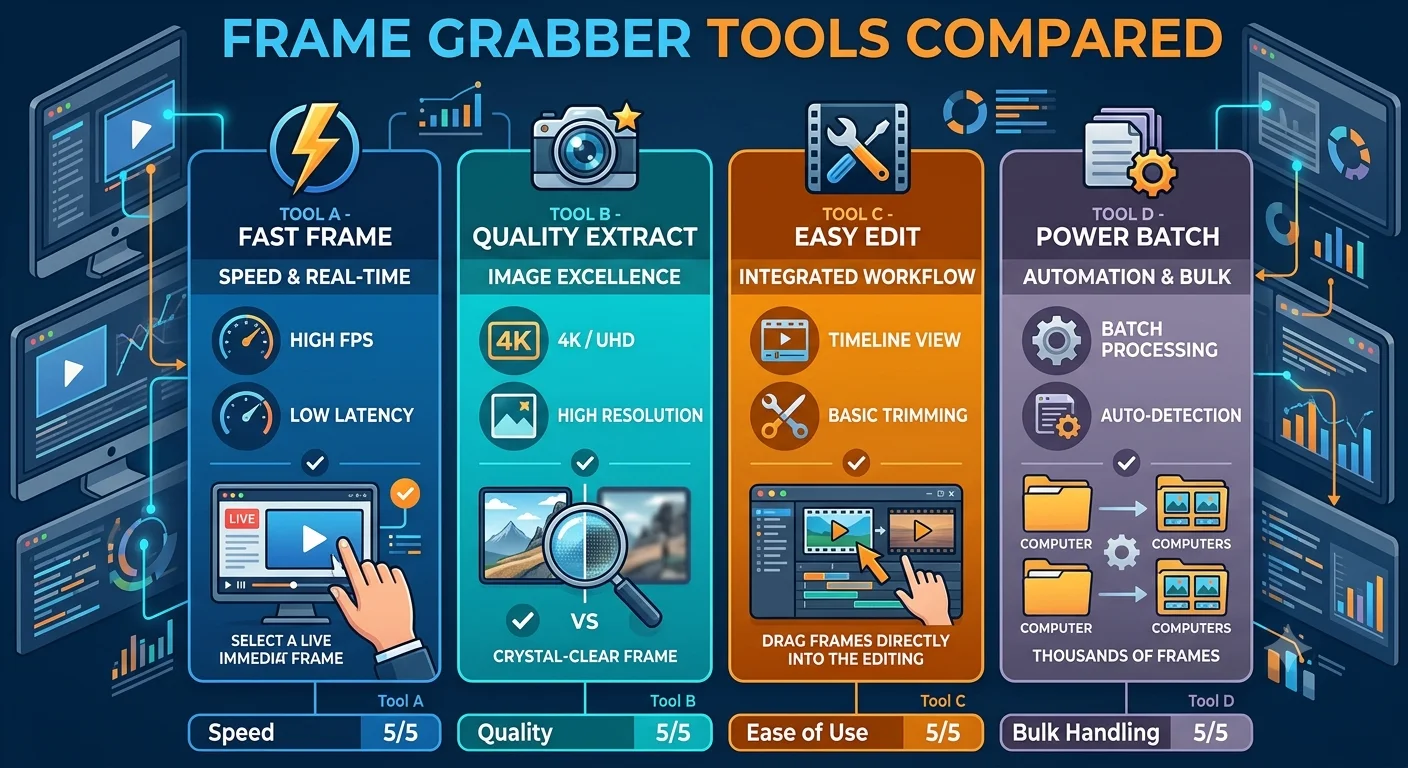
Best Free vs Paid Frame Grabber Tools Compared
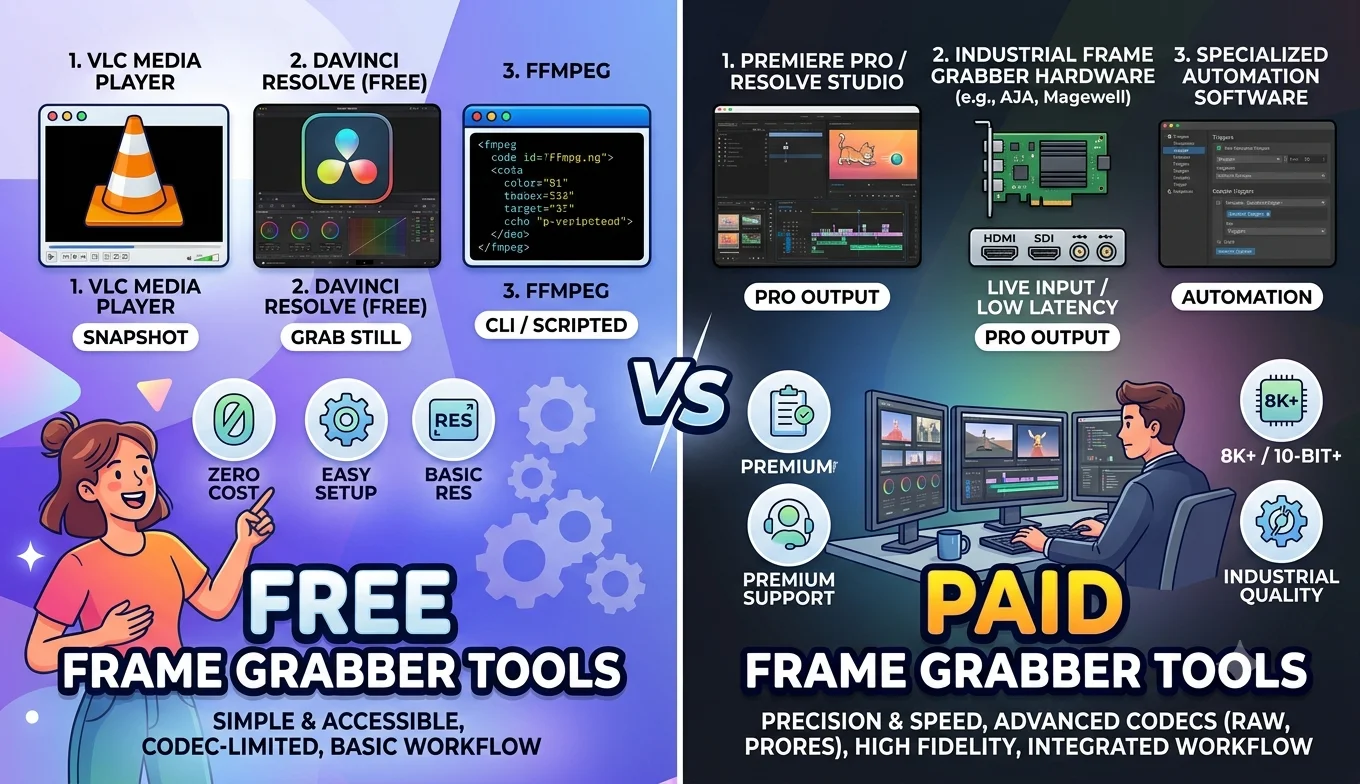
For the vast majority of people, free frame grabber tools are genuinely enough paid options mostly add convenience features like batch processing at scale, dedicated customer support, and integration with professional editing workflows, rather than fundamentally better image quality.
This guide breaks down exactly what separates free and paid frame grabbers, so you can decide with confidence rather than assuming a paid tool must automatically be better.
The core truth: extraction quality is mostly the same
This is the most important thing to understand before spending any money: a frame extracted from a video is only ever as good as the source video itself. Whether you use a free tool or a paid one, neither can add detail that wasn't in the original recording. Paying for a tool doesn't unlock hidden quality it typically unlocks convenience, speed, and additional features layered around that same basic extraction process.
- How to Save a Frame from an Instagram Reel
- How to Capture Video Frames Using Windows Photos App
- Best Free vs Paid Frame Grabber Tools Compared
What free frame grabber tools typically offer
- The core truth: extraction quality is mostly the same
- What free frame grabber tools typically offer
- What paid frame grabber tools typically add
- Who actually benefits from paying
- Who is better off sticking with free tools
- A side-by-side look
- Common misconceptions about paid tools
- How to evaluate a specific tool before deciding
- Conclusion
- FAQ
- Core extraction functionality pulling a still frame from a video at a chosen timestamp
- Reasonable format support most free tools handle common formats like MP4 and MOV without issue
- Manual, one-at-a-time workflows free online tools especially tend to focus on single-frame extraction rather than bulk processing
- No cost, but sometimes limits such as maximum video length, file size caps, or occasional ads on the page
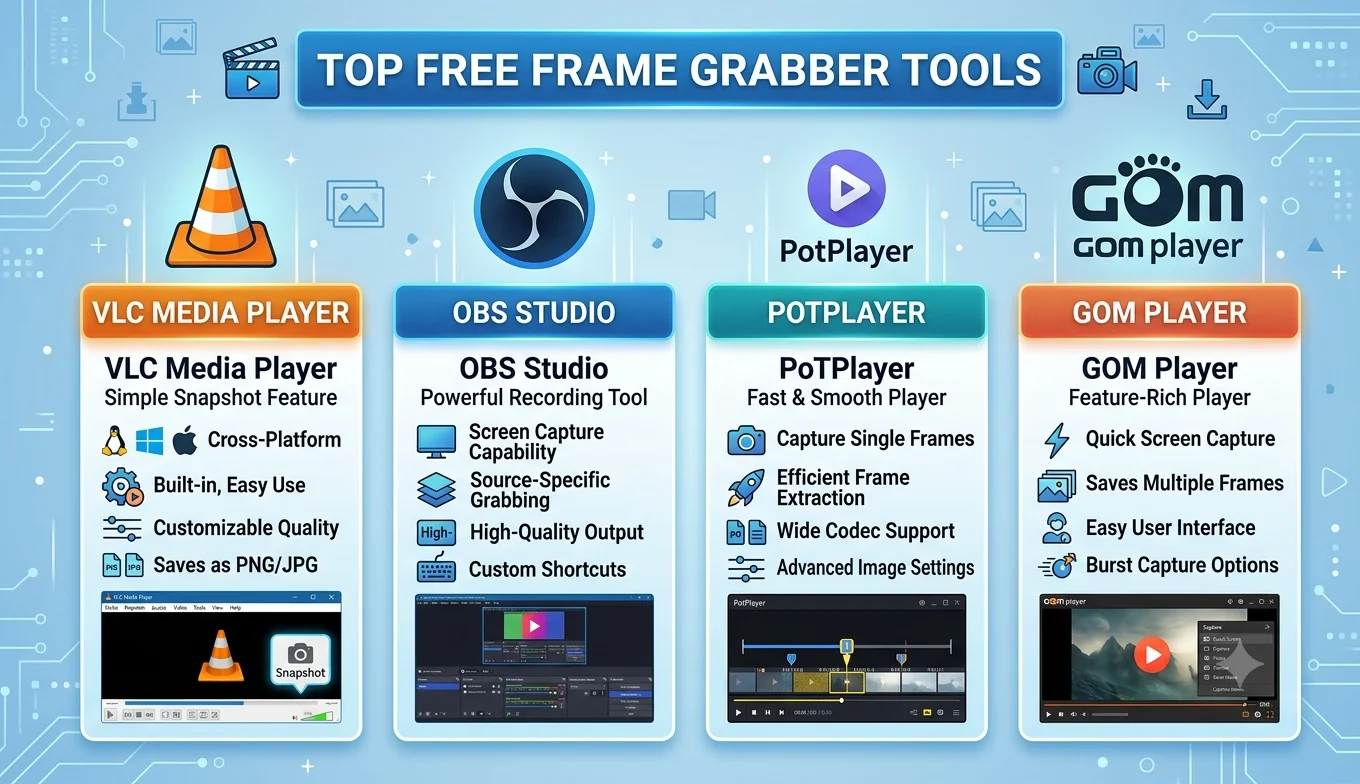
Desktop tools like VLC break this pattern by offering genuinely powerful free features, including bulk extraction, with no limits at all, since they're open-source projects rather than commercial products trying to upsell a paid tier.
What paid frame grabber tools typically add
- Batch processing at scale extracting frames from many videos automatically, useful for larger content or research projects
- Higher file size and length limits useful if you regularly work with very large video files
- No ads or a cleaner interface a smoother day-to-day experience rather than a functional difference
- Customer support direct help if something isn't working, rather than relying on community forums
- Integration with other paid software such as a broader video editing suite that includes frame extraction as one small feature among many
Who actually benefits from paying
Paying for a frame grabber tool makes sense in a few specific situations:
- You're processing frames as part of a larger paid workflow, such as a professional video editing subscription where frame extraction is one small piece of a much bigger toolset you're already using.
- You regularly hit free tool limits, like file size caps, and the paid tier removes a genuine daily friction point.
- You need guaranteed support for a business or time-sensitive project where troubleshooting delays are costly.
Who is better off sticking with free tools
- Occasional, personal use grabbing a frame every so often for a meme, wallpaper, or reference image
- Local video files VLC alone covers single and bulk extraction with no cost and no limitations
- Anyone comfortable with a little technical setup free command-line tools like FFmpeg match or exceed what most paid tools offer, at zero cost
- How to Extract a Frame for a YouTube Thumbnail
- How to Capture Video Frames Using Windows Photos App
- How to Save a Frame from an Instagram Reel
A side-by-side look
| Factor | Free tools | Paid tools |
|---|---|---|
| Core extraction quality | Same, limited only by source video | Same, limited only by source video |
| Format support | Good for common formats | Often broader, especially niche formats |
| Batch extraction | Available in some free tools (VLC, FFmpeg) | Usually more polished and automated |
| File size/length limits | Sometimes capped, especially online tools | Usually higher or unlimited |
| Customer support | Community forums, documentation | Direct support channels |
| Cost | Free | Ongoing subscription or one-time fee |
Common misconceptions about paid tools
"Paid tools produce sharper images." Not true sharpness comes entirely from the source video's resolution and quality, not from the extraction tool itself. A free tool extracting from a high-quality source will always outperform a paid tool extracting from a low-quality source.
Recommended Articles
 COMPARISONS AND BEST TOOLS
 COMPARISONS AND BEST TOOLS
 COMPARISONS AND BEST TOOLS
 COMPARISONS AND BEST TOOLS
"Free tools always have watermarks." This varies by specific tool rather than being a blanket rule — many free options, including VLC and FFmpeg, never add any watermark at all. Always check a specific tool's terms rather than assuming based on price.
"You need to pay to extract frames in bulk." VLC's Scene filter and FFmpeg's command-line automation both handle bulk extraction for free, with no limit on how many frames or videos you process.
How to evaluate a specific tool before deciding
Regardless of whether it's free or paid, check these before committing time to any frame grabber:
- Does it preserve native resolution, or does it downscale the output?
- Does it add a watermark to exported images?
- What file size or length limits apply, and do they actually affect your use case?
- Does it support the video formats you actually work with?
- Is bulk extraction available if you need more than occasional single frames?
Answering these questions for a specific tool tells you far more than simply checking whether it costs money.
Conclusion
For nearly everyone extracting frames casually or even semi-regularly, free tools are not a compromise VLC and FFmpeg in particular match or exceed what most paid options offer, at zero cost and with no watermarks or meaningful limits. Paying makes sense mainly when frame extraction is one small piece of a larger paid workflow you're already using, or when you're hitting genuine limits like file size caps on a regular basis. Quality itself comes from your source video, not your wallet.
FAQ
Do paid frame grabber tools produce better image quality than free ones?
No extraction quality depends entirely on the source video's resolution and compression, not on whether the tool itself is free or paid.
Are there any completely free tools with no limitations at all?
Yes, VLC and FFmpeg are both fully free, open-source, and have no watermarks, file size caps, or feature restrictions.
When does it actually make sense to pay for a frame grabber?
Mainly when frame extraction is bundled into a larger paid tool you're already using for other work, or when a free tool's specific limits, like file size caps, are genuinely getting in your way.
Do free online frame grabbers always add watermarks?
Not always this varies by specific tool, so it's worth checking a tool's terms directly rather than assuming based on price alone.
Is it worth paying just for customer support?
Only if you're working on time-sensitive or business-critical projects where quick troubleshooting genuinely matters. For casual or personal use, community documentation and forums are usually enough.